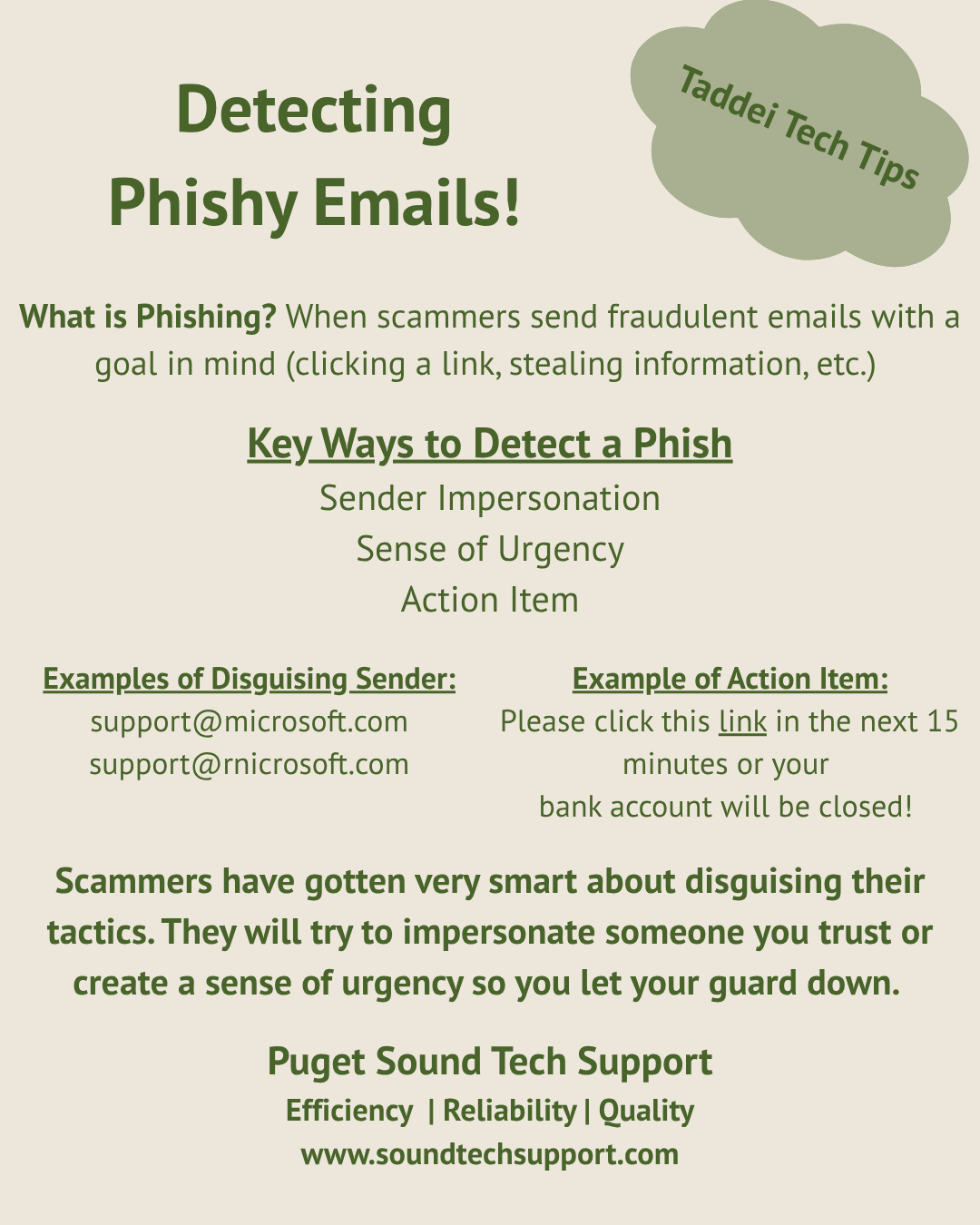
Phishing is a very prevalent email scam in the current digital world. Scammers will impersonate people or entities the victim trusts (e.g. a facebook friend, well-known business or employer) and send the victim an email. Often, the scammers use one of three tricks to slip past our checks: sender email disguise, a sense of urgency, or an inconspicuous action item.
One of the things scammers will often do is pretend to be a trusted sender. An example of this is changing “support@microsoft.com” to “support@rnicrosoft.com”. While it can look obvious at first, when checking senders, it is common to give the email one quick glance before trusting it. The “rn” can look very similar to an “m” when moving quickly. In other cases, scammers will instead try to disguise themselves in the body of the email. By looking at public information online, it can be fairly easy to find out who your boss is or close friends online are. By signing off an email as one of these important people, they can trick you into trusting the email. It is important to always slow down and think about if this is a normal request from the person in question.
Secondly, scammers will try to rush your thought process by giving you a sense of urgency to do what they ask. Regardless of their end result, they will make it seem like you have to decide right now. This can be done by using scare tactics. Emails will often have a time frame set to the action item, such as “Click this link immediately to confirm your bank details or risk account closure”. Because the risk of losing your bank account is scary, it speeds up decision making.
Finally, a key part of every phish is the action item. Scammers never just want to send you an email; they always want something back from you. There will always be a link to click, or a phone number to call, that asks something of you. Most businesses these days that send you emails know this and will send you notices that explicitly say “DO NOT REPLY”. In the event they do send links to you, usually the emails have the correct business name in the sending address, and lots of personalized content in the email that can be trusted. You can also always hover the link in the email with your mouse to make sure you are going to the company’s website.
In conclusion, to avoid falling victim to scams, make sure to slow down and question everything about the email if it looks even the least bit off. Phishing scams are one of the most prevalent ways people fall victim online, so keeping these tips front of mind with keep you much safer.