Links are way scammers exploit you on the internet. Phishing and impersonation is usually all in service of getting you to click a link. While usually perceived as a way to get around the internet, the safety of a link is completely up to the person owning the website. A link could take you to a legitimate banking website, or could take you to a website specially crafted to look like your normal banking site, but is instead going to steal your username and password.
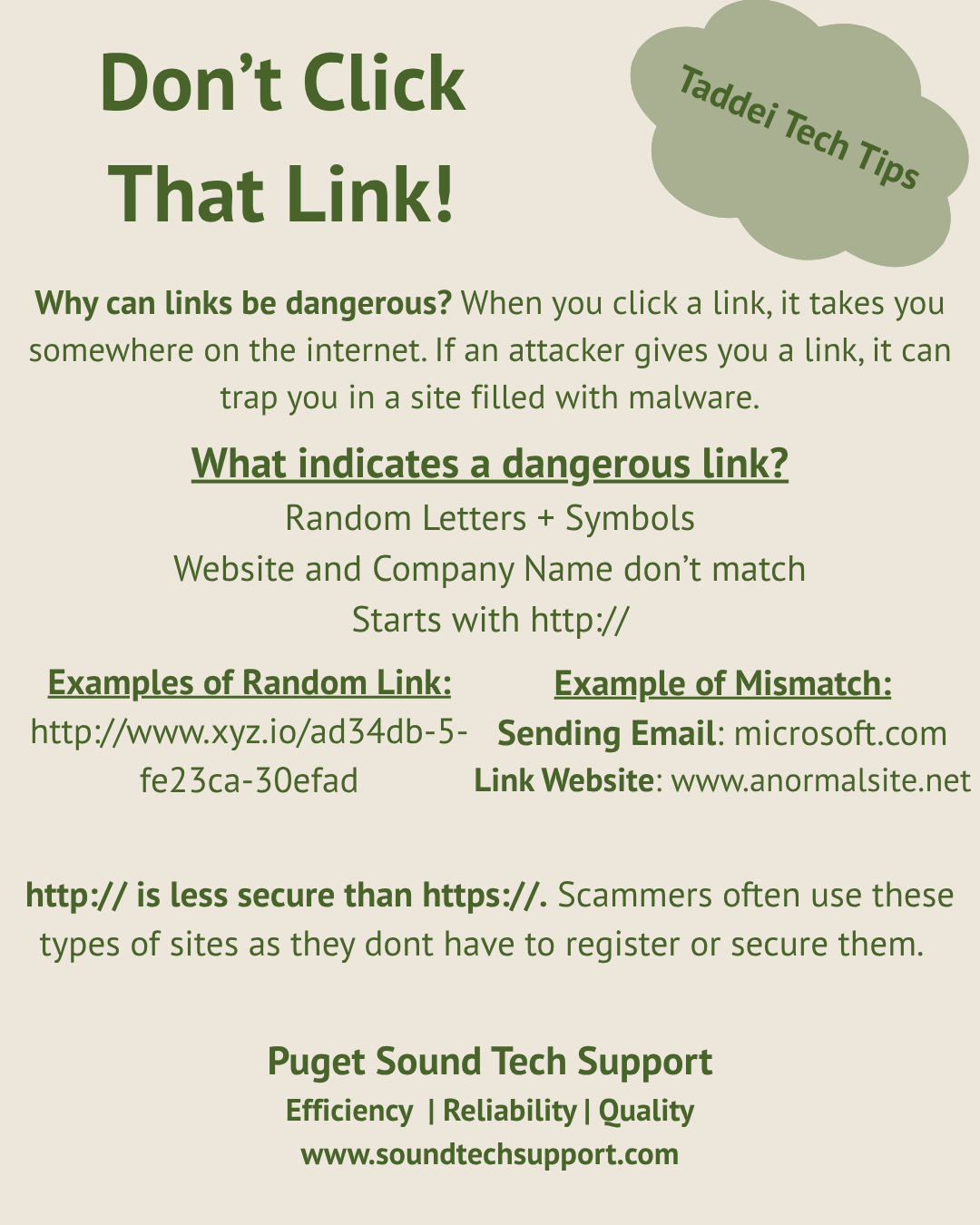
The bad possibilities when it comes to clicking links are endless. The only thing in your control is knowing what links to avoid clicking. There are a few things to look out for that are common in sketchy links. The first is if it starts with http. http is the less secure version of https, and can be used without properly registering your site. Because you don’t need to be above board with website creation, it lends itself for use with scammers. Second, scammers will often use domain names (example of a domain name is google.com) that no one else has used. These will often include random numbers or symbols to be unique. Keep an eye out for links that are not easily readable for this reason. Finally, make sure the link leads you to the same domain name as the sending address. For reference, if someone from BECU reaches out, their email will be something like john@becu.org. Make sure that any links within the body of the email also take you to becu.org. Scammers could disguise their email to look legitimate, but the link they put in the email can’t be disguised as easily.
Using these tips, links will be easier to identify as malicious or safe. Hopefully it helps you in your day to day life as you navigate email inboxes and advertisements.
Don’t Click That Link!
Next
Next